Now rolling out across California, Oregon, and Washington

Plug in. Charge. That's it.

Autocharge links your car to your EVCS account once. Every session after that starts on its own. No app, no card, no screen.
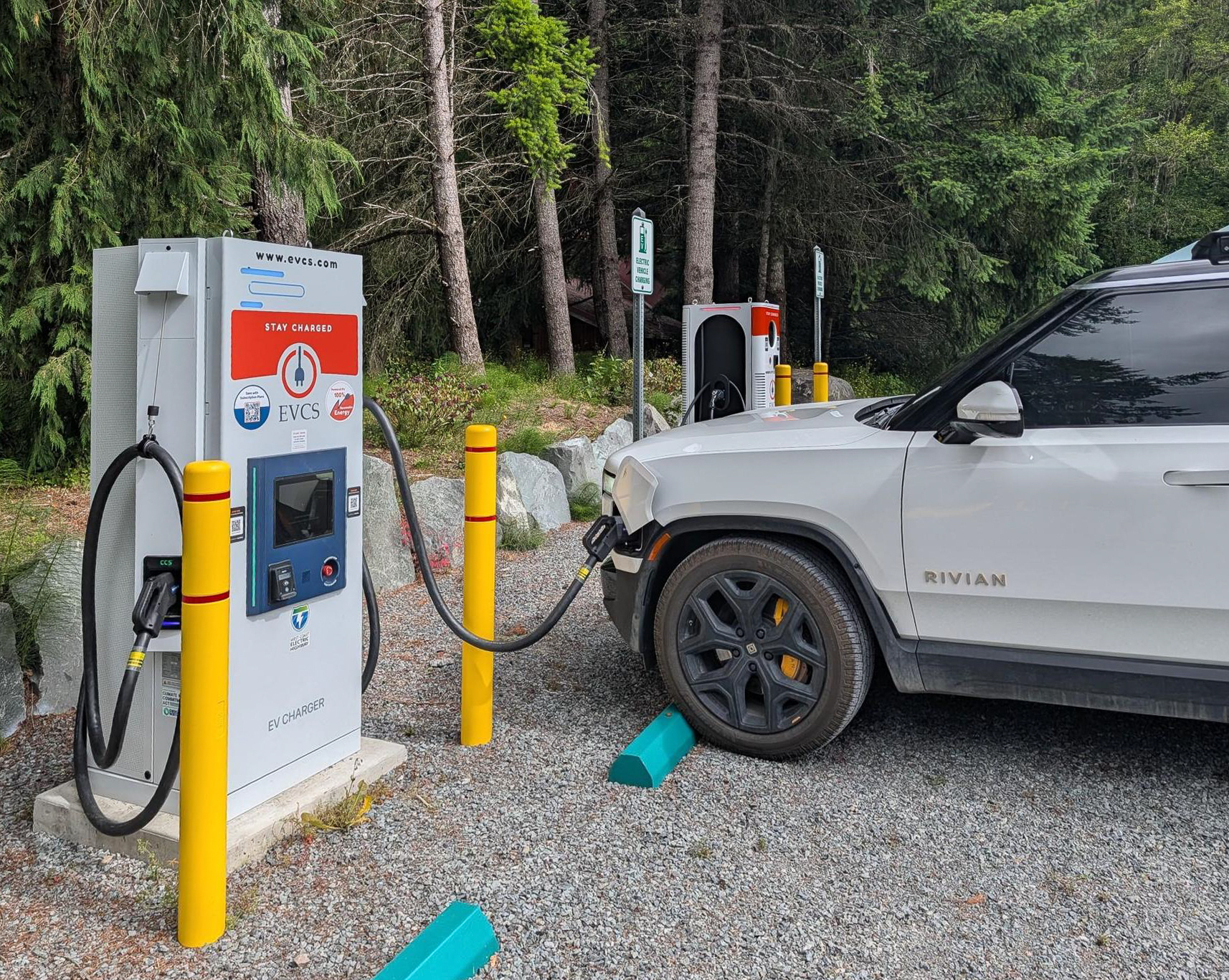
A Rivian charging at an EVCS fast charger at Rainier Basecamp, Ashford, Washington
Rainier Basecamp, Ashford WA
Available now at select EVCS locations in CA, OR, and WA
Works on DC fast chargers and Level 2
More stations coming in the months ahead
Filter for Autocharge stations in the EVCS app
How it works

Three steps, once. Then never again.

STEP 1

Plug in

Pull up to an Autocharge-enabled station and plug in like you always do.

STEP 2

Link your car

The first time, you'll get a prompt to link this vehicle to your EVCS account. It takes about a minute.

One time only
STEP 3

Charge automatically

From then on, your car and the charger recognize each other. Plug in and the session starts.
Good to know

Free
Included with every EVCS account, on a plan or pay as you go.
Same billing
Your current plan or payment method stays the same.
Check compatibility
Most EVs work with Autocharge. The first time you plug in, the charger will let you know if your car can be linked.
Manage anytime
View, add, or remove linked vehicles in the EVCS app.
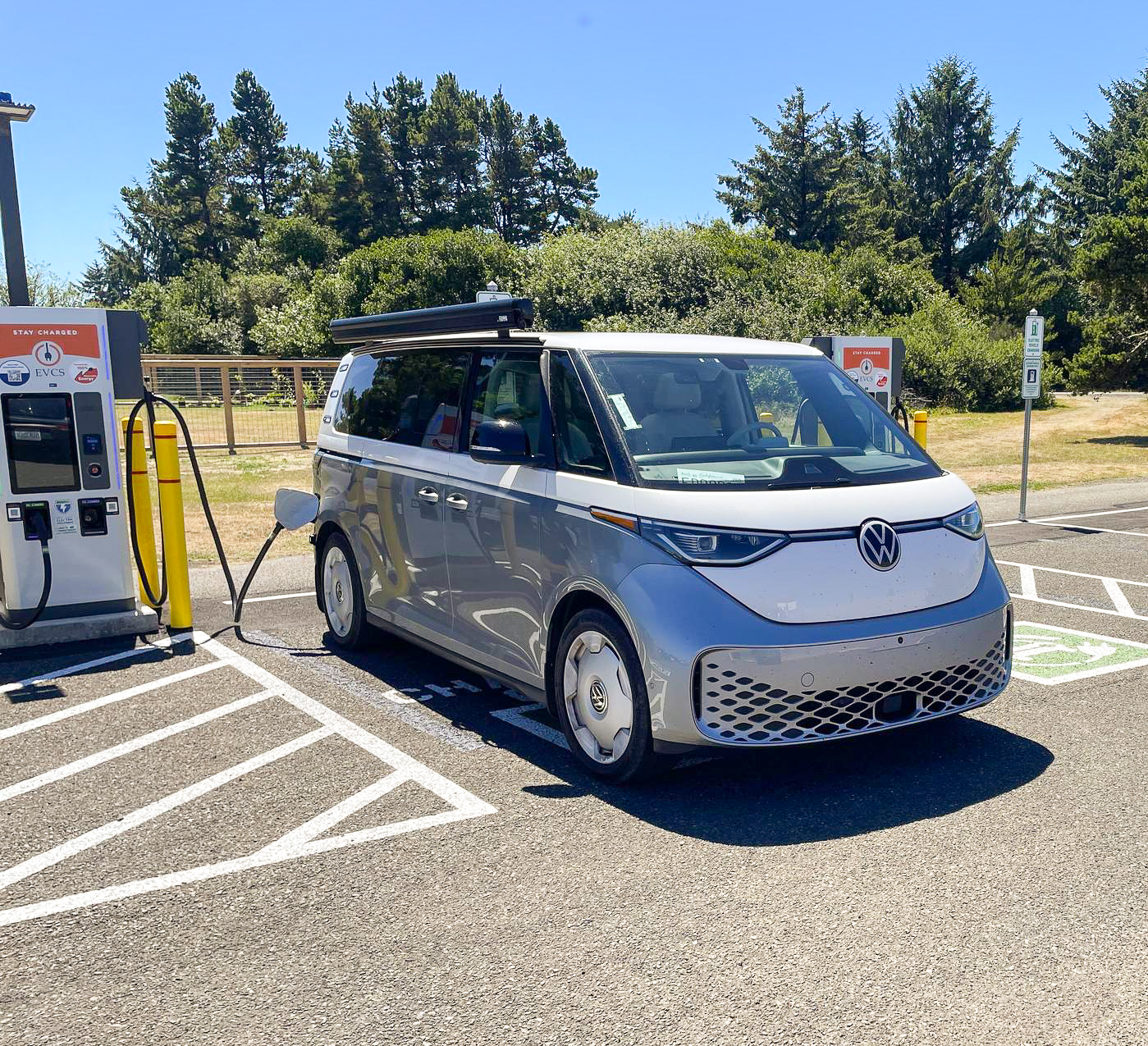
A Volkswagen ID. Buzz charging at an EVCS fast charger
Charging made simple

Less standing around. More charging.

No app to open in a parking lot with bad signal
No card to dig out of the glove box
No screen to tap in the rain
Same plan, same pricing, same account. Just easier.
Where to find it

Find Autocharge near you

Autocharge is live now at select EVCS locations across California, Oregon, and Washington, on both DC fast chargers and Level 2 chargers. This is the first phase of the rollout, and we'll be turning on more stations in the months ahead. To see which stations near you have it, open the EVCS app and filter by Autocharge.

Open the App
FAQ

Questions, answered

What is Autocharge, and how do I use it?

Autocharge lets your car start a charging session on its own. Link your vehicle to your EVCS account once, and after that you just plug in. No app, no card, no screen. To set it up, plug in at an Autocharge-enabled EVCS charger and follow the one-time prompt to link your car.

Does it cost extra?

No. Autocharge is included with every EVCS account, subscription or pay as you go.

How am I billed?

The same way you are now. Sessions run on your plan or your saved payment method.

Is it secure?

Your car is identified by a unique hardware address tied only to your EVCS account. Nobody else can charge on your account with their car.

What if I sell my car, or I'm driving a rental?

Remove the car from your linked vehicles in the EVCS app before you hand over the keys or return a rental. You can view and manage your linked vehicles in the app at any time.

Ready to get started?

Link your car at any Autocharge-enabled station. One minute now, hands-free every time after.

Find a Station
Available at select locations in CA, OR, and WA, with more stations coming in the months ahead.