How do I start charging with EVCS?
The best way to get started is by downloading the free EVCS app. From there you can choose your weekly plan, find chargers, or check Pay As You Go prices. Once you are at an EVCS site, the app is the easiest way to locate the charger, follow instructions, and start a session.
How can I find a charger?
You can search by city or zip code through the EVCS app or by going to Find a Charger. You can also find all of our public chargers on PlugShare, Google Maps and Apple Maps.
Which EVs are compatible with EVCS?
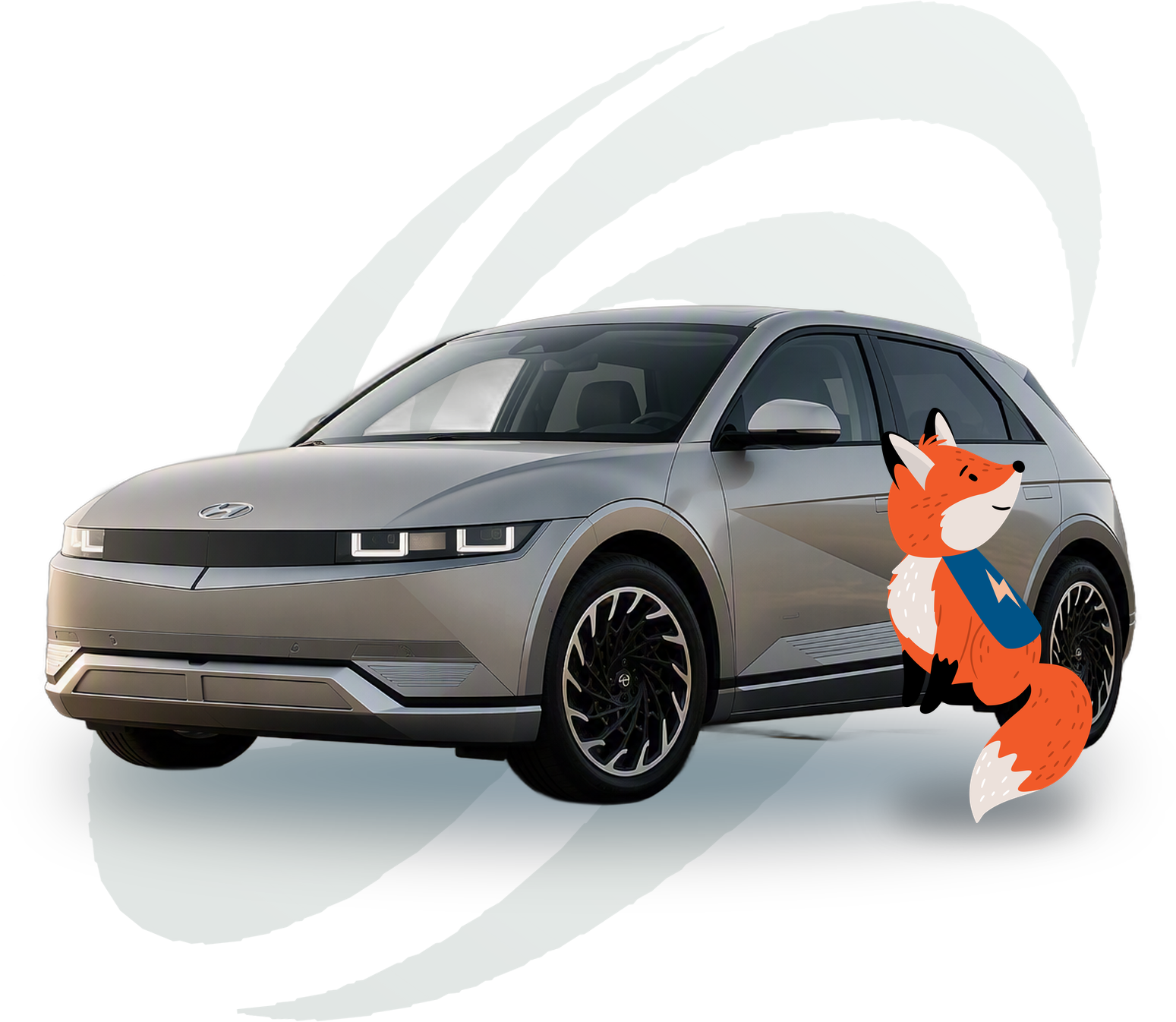
EVCS uses CCS, NACS, CHAdeMO and J-1772 connectors to support all EVs on the road, including the Hyundai IONIQ lineup. Check the location details in the EVCS app to confirm the connector you need is available at that site.
Is the EVCS network expanding?
Yes. We are rapidly expanding and continue to build new sites and add density across California, Oregon and Washington. Stay up to date on our newest locations in the EVCS app.
How do I charge with my Hyundai plan?
Three steps: 1. Choose your weekly plan on this page and complete enrollment. 2. Download the EVCS app and sign in with your account. 3. Scan the QR code on the front of the station and follow the on-screen instructions.
How do plan allowances and overages work?
Each weekly plan includes an allowance of kWh. Once that allowance is used, you keep charging at 10% off the Pay As You Go rate with no session fees. Your kWh allowance resets when your plan renews each week.
When does my subscription start?
Your subscription starts as soon as payment is processed. Your plan renews every seven days from that date.
How do I upgrade, downgrade, or cancel my plan?
You can change or cancel your plan at any time from the Plans tab in the EVCS app. Upgrades take effect right away. Downgrades and cancellations take effect at the end of your current weekly cycle, and no refunds are provided for the remaining days in that cycle.
When will my plan renew?
Hyundai plans renew weekly and auto-renew until you cancel. Exact details are always shown during enrollment.
Does EVCS offer discounts to rideshare drivers?
Yes. EVCS offers weekly plans for rideshare drivers renting EVs from Hertz, as well as discounted offerings for Lyft drivers. Visit your Hertz TNC rental location or the Lyft Driver app for enrollment details.
Can I charge Pay As You Go without a plan?
Yes. You can charge without a plan using the EVCS app or by swiping a credit card at the DC fast charger. Visit the location details page in the app to see exact Pay As You Go pricing.
How much does it cost to charge my EV?
EVCS charges a $/kWh rate specific to each location, and pricing may vary slightly by time of day. The location details page in the EVCS app always shows the most accurate Pay As You Go rate. Pay As You Go sessions also include a session fee and a temporary pre-authorization hold on your card. With a plan, session fees are waived.
If I'm having charging trouble, who can I contact?
Our Support Team is available 24/7 by phone at (866) 300-EVCS (3827) or through support.evcs.com. Callers are connected to a live agent ready to get you back on the road.
Do you have a Help Center for account or charging questions?
Yes. Our Help Center offers FAQs, troubleshooting guides and step-by-step walkthroughs for account, billing and charging questions.